- Use this link to access helpdesk: www.greenwingtechnology.com/support
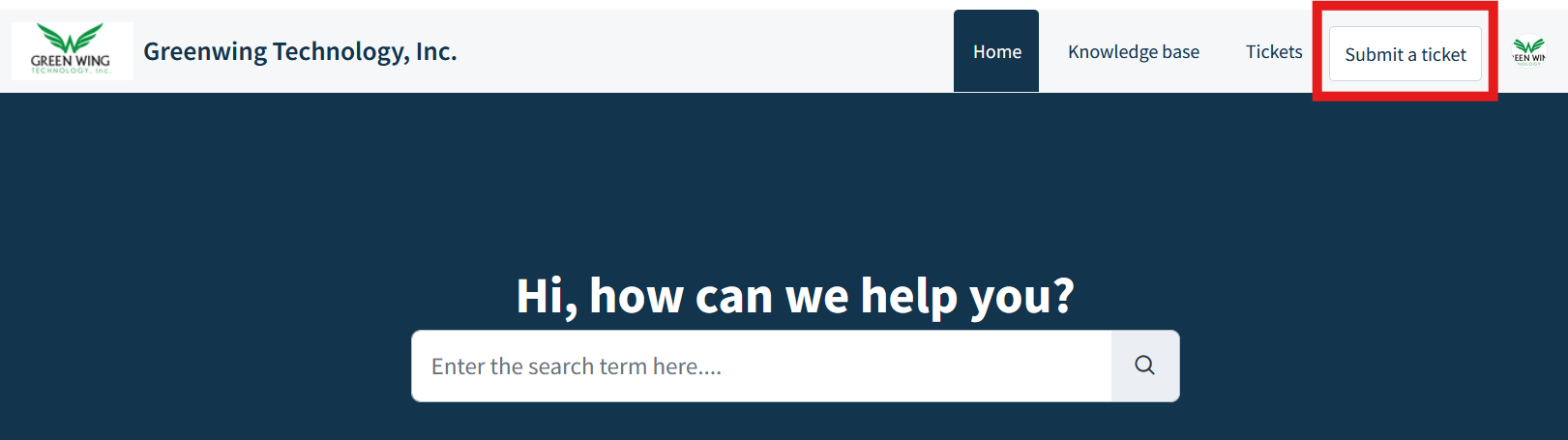
- On the main landing page, in the top right, click “Submit a Ticket” which will open the ticket request form
- Fill out required fields in submit ticket form:
- Requestor: Pre-filled in System
- Subject: Please include your organization name and customer's organization name as well as a brief explanation of your reason for submitting the ticket. Be as detailed and specific as possible including PO/Invoice Numbers, Part Numbers, Specific Error Language, Screenshots or Screen Recordings, etc.
- Type: If you want to start a new integration choose “New Buyer Setup.” Any other request choose “Technical Support”
- Description: Please include a detailed description of your request. Please include specific customer names, PO/Invoice numbers, product numbers, etc as relevant to the request. There is also an option to add an attachment if needed.
- Once all fields have been filled, press “Submit” to send the ticket and a representative from Greenwing will respond back as soon as they can.
- note: tickets are prioritized by urgency then date sent
Was this article helpful?
That’s Great!
Thank you for your feedback
Sorry! We couldn't be helpful
Thank you for your feedback
Feedback sent
We appreciate your effort and will try to fix the article